Home
Home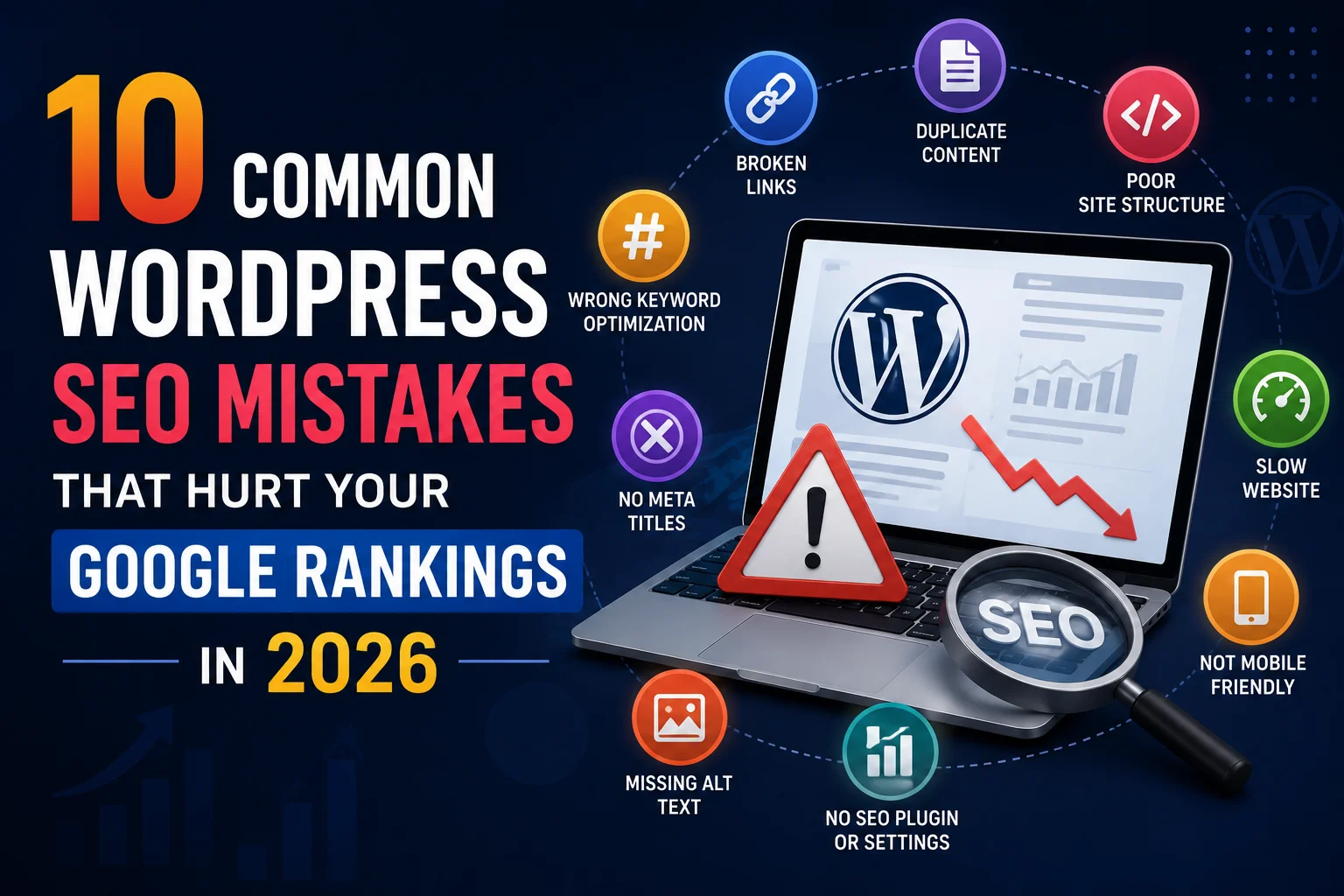
Your WordPress website is live. You have good content and a professional design.
But Google is not ranking you anywhere near Page 1.
In most cases, specific SEO mistakes made during or after development are the culprit —
and the good news is that every one of them is fixable.
This guide covers the 10 most common WordPress SEO mistakes that hurt Indian business website rankings —
with specific, actionable fixes for each one.
Mistake 1: Not Submitting Your Sitemap to Google Search Console
Google cannot rank pages it has not discovered and indexed.
Without submitting your sitemap, Google has to find your pages by crawling links —
a slow, unreliable process that often leaves important pages undiscovered for months.
- Generate sitemap using Rank Math — yoursite.com/sitemap.xml
- Go to Google Search Console → Sitemaps → Submit your sitemap URL
- After publishing any new blog post or page — go to URL Inspection → Request Indexing immediately
Mistake 2: Using Duplicate Meta Titles and Descriptions
When multiple pages share identical meta titles and descriptions, Google cannot determine
which page is most relevant for a given search — and often ranks none of them well.
- Every page must have a unique meta title (under 60 characters)
- Every page must have a unique meta description (under 160 characters)
- Use Rank Math SEO — it flags duplicate meta data directly in your WordPress dashboard
- Include primary keyword in title and description naturally
Mistake 3: Multiple H1 Tags on One Page
Google uses the H1 tag to understand the primary topic of a page.
Multiple H1 tags create confusion — Google cannot determine which is the main topic.
Every page must have exactly one H1 tag containing the primary keyword.
- Check H1 tags using browser developer tools or Rank Math’s content analysis
- Each page: exactly one H1, multiple H2s for sections, H3s for subsections
- Never use H1 for decorative text or slogans that are not keyword-focused
Mistake 4: Poor URL Structure
Default WordPress URLs like yoursite.com/?p=123 are meaningless to both Google and visitors.
Clean, keyword-rich URLs are a direct ranking signal for search engines.
- Go to WordPress Settings → Permalinks → Select “Post Name” structure
- URLs should be: yoursite.com/wordpress-developer-surat/ not yoursite.com/?page_id=23
- Keep URLs short — 3 to 5 words maximum
- Use hyphens between words — never underscores or spaces
- If changing existing URLs — always set up 301 redirects from old to new URLs
Mistake 5: No Image ALT Text
Google cannot see images — it reads the ALT text to understand what an image contains.
Empty ALT tags mean Google gets no information from your images,
missing both accessibility benefits and image search ranking opportunities.
- Add descriptive ALT text to every image — describe what the image shows
- Include your primary keyword naturally where relevant — not on every image
- File names should be descriptive — wordpress-developer-surat.jpg not IMG_4523.jpg
- Use Rank Math’s image SEO feature to audit missing ALT text across your site
Mistake 6: Publishing Thin Content Under 500 Words
Google’s Helpful Content system actively penalizes pages that provide little value to users.
Short, shallow pages that do not fully answer the user’s search query rank poorly
— regardless of how well they are technically optimized.
- Blog posts: minimum 1,000 words — 1,500+ for competitive keywords
- Service pages: minimum 500 words with specific benefits, process, and FAQ
- Expand thin pages — add sections covering related questions, examples, and details
- Check Google Search Console — pages with high impressions but low CTR often need content improvement
Mistake 7: No Internal Linking Strategy
Internal links help Google discover your pages, understand your site structure,
and distribute authority across your website.
Sites with no internal linking have isolated pages that Google treats as low-priority.
- Every blog post should link to 2 to 3 related posts or service pages
- Use descriptive anchor text — “WordPress development services in Surat” not “click here”
- Link from high-traffic pages to pages you want to rank higher
- Check for orphaned pages — every page should have at least one internal link pointing to it
Mistake 8: No Schema Markup
Schema markup tells Google exactly what type of content your pages contain.
Without it, Google makes educated guesses — often incorrectly — about your business type,
location, reviews, and content structure.
- Add Local Business schema to your homepage — name, address, phone, hours
- Add Article schema to all blog posts
- Add FAQ schema to pages with FAQ sections — appears as accordion in Google results
- Add Review schema to pages with testimonials
- Use Rank Math’s built-in schema builder — no coding required
Mistake 9: Ignoring Page Speed as an SEO Factor
Google officially uses Core Web Vitals as ranking signals.
A website with poor speed scores ranks lower than equivalent content on a fast website.
Many Indian WordPress sites sacrifice rankings daily due to unoptimized images and no caching.
- Install WP Rocket or LiteSpeed Cache immediately if not already done
- Compress all images to WebP format using Imagify
- Connect Cloudflare free CDN
- Target 85+ mobile PageSpeed score — check monthly at pagespeed.web.dev
Mistake 10: Not Targeting Local Keywords for Indian Businesses
A Surat web designer targeting “web designer” competes with millions of results globally.
The same business targeting “web designer in Surat” competes with dozens — and wins much faster.
- Add your city to homepage H1, meta title, and first paragraph
- Create service pages with city-specific URLs — /web-designer-surat/
- Include your full Surat address in the footer on every page
- Write blog posts targeting Surat-specific keywords
- Optimize Google Business Profile for Surat local pack rankings
Quick Fix Priority Order
- Day 1: Fix permalink structure, submit sitemap to Search Console
- Day 2: Add missing meta titles and descriptions using Rank Math
- Day 3: Fix H1 tags — ensure exactly one per page with keyword
- Week 1: Add ALT text to all images, set up internal linking
- Week 2: Add schema markup using Rank Math
- Week 3: Improve page speed — caching, image compression, CDN
- Ongoing: Publish keyword-targeted content, collect local citations
Conclusion
Most WordPress SEO mistakes are not complex technical problems — they are basic setup issues
that were skipped during or after website development.
Fix the 10 mistakes in this guide and your WordPress website will rank significantly better
within 4 to 8 weeks of implementation.
Call To Action
Want a professional SEO audit to find every issue hurting your rankings?
Get a free SEO audit today — we identify and fix every WordPress SEO mistake on your site.
Or contact us on WhatsApp to discuss your SEO challenges.
Frequently Asked Questions
What is the most common WordPress SEO mistake?
Not submitting the sitemap to Google Search Console is the single most common oversight —
leaving Google to discover pages slowly through crawling rather than direct submission.
How quickly do SEO improvements show results?
Technical fixes like sitemap submission and permalink correction show results within 2 to 4 weeks.
Content improvements and new keyword targeting typically show significant results within 3 to 6 months.
Can I fix these SEO mistakes myself without a developer?
Yes — most fixes in this guide require only Rank Math SEO plugin and Google Search Console access.
Permalink and URL structure changes require careful redirect management — consult a developer for safety.
Will fixing these mistakes guarantee Page 1 rankings?
Fixing these mistakes removes the technical barriers to ranking. Combined with quality content
targeting the right keywords, most Indian local business websites achieve Page 1 rankings
for low to medium competition terms within 4 to 8 months of consistent effort.
Does WordPress have built-in SEO features?
WordPress provides a solid SEO foundation — clean code, customizable URLs, blog functionality.
But built-in features are not sufficient alone. Rank Math or Yoast SEO plugin is required
for meta tags, schema markup, sitemap generation, and comprehensive on-page optimization.
Should I use Rank Math or Yoast for WordPress SEO in India?
Rank Math is generally the better choice for Indian WordPress websites in 2026.
The free version includes schema markup, redirection manager, and advanced features
that require a paid Yoast subscription. Rank Math also has a cleaner interface and better performance.