Home
Home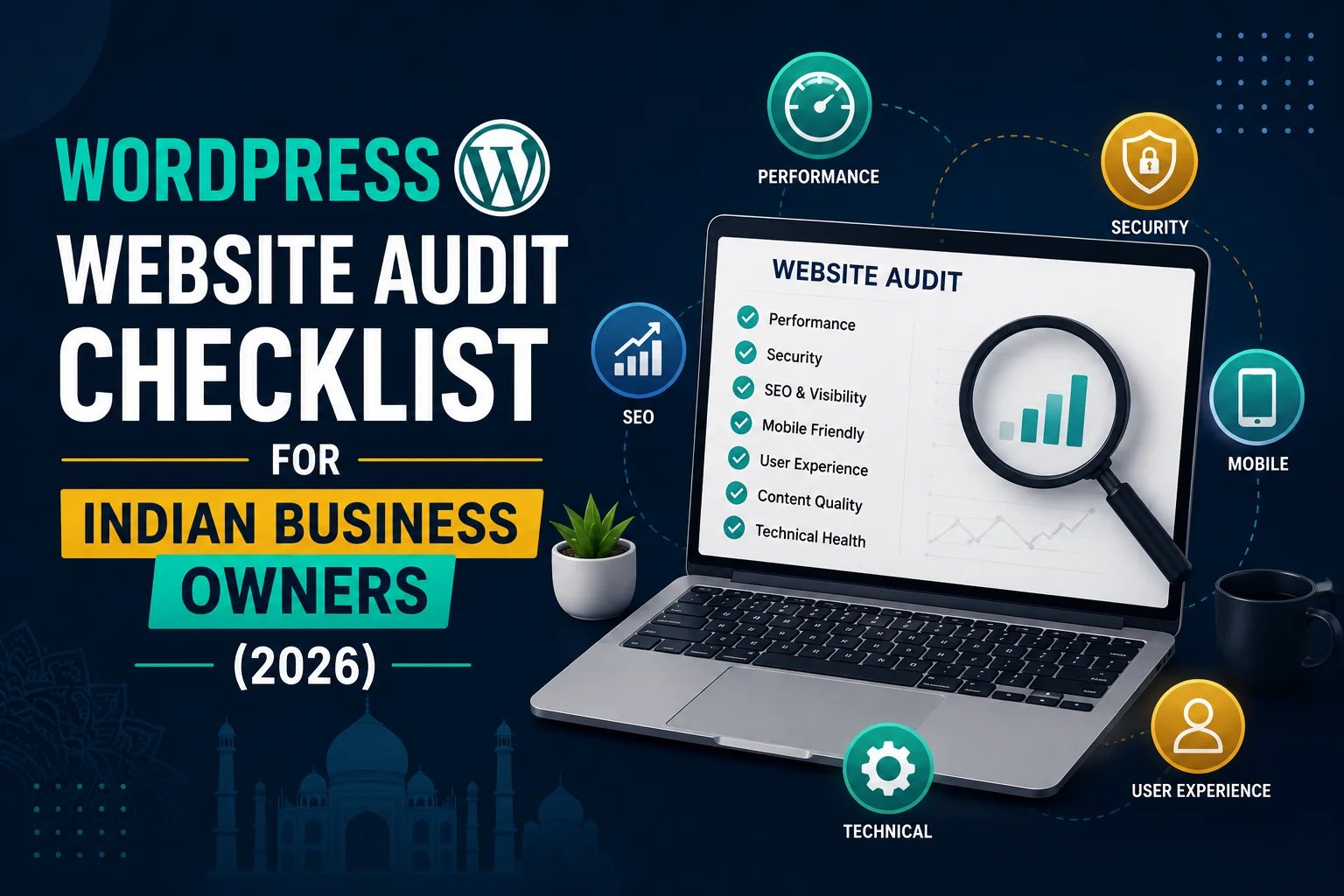
WordPress Website Audit Checklist for Indian Business Owners (2026)
Your WordPress website may be silently losing you customers, rankings, and revenue —
through issues you cannot see without a proper audit.
A WordPress website audit is a systematic review of every aspect of your site —
technical performance, SEO, security, content, and user experience.
This complete checklist covers every area of a professional WordPress audit
so you can identify and fix problems before they cost your Indian business further.
Section 1: Technical Performance Audit
Page Speed Check
- Test at pagespeed.web.dev — note mobile and desktop scores
- Mobile score below 70: urgent action needed
- Check LCP (Largest Contentful Paint) — must be under 2.5 seconds
- Check CLS (Cumulative Layout Shift) — must be under 0.1
- Check INP (Interaction to Next Paint) — must be under 200ms
Hosting and Server Check
- Server response time (TTFB) — should be under 200ms
- Hosting server location — India or Singapore for Indian audiences
- PHP version — must be 8.1 or higher
- Uptime — check last 30 days at uptimerobot.com
Caching and Optimization
- Caching plugin installed and configured (WP Rocket or LiteSpeed Cache)
- CDN connected — Cloudflare recommended for India
- GZIP compression enabled — check at gzip.wtf
- Browser caching headers configured
Image Optimization
- All images compressed — check file sizes in media library
- WebP format being served to supported browsers
- Lazy loading enabled for below-fold images
- No images larger than 200KB on any page
Section 2: SEO Audit
On-Page SEO
- Rank Math or Yoast SEO installed and configured
- Every page has unique meta title (under 60 characters)
- Every page has unique meta description (under 160 characters)
- Every page has exactly one H1 heading with primary keyword
- H2 and H3 headings used logically throughout content
- URL structure clean and keyword-rich — no ID-based URLs
Technical SEO
- XML sitemap generated and submitted to Google Search Console
- Robots.txt file exists and correctly configured
- Canonical tags set correctly — no duplicate content issues
- No redirect chains — all redirects go directly to final URL
- HTTPS active — all pages load over SSL
- No mixed content warnings
Search Console Check
- Google Search Console verified and active
- No manual actions or penalties
- Coverage report — check for Not Indexed and Redirect Error pages
- Core Web Vitals report — check for Poor and Needs Improvement pages
- Mobile Usability — zero errors
- Review top queries — identify keywords with impressions but zero clicks
Local SEO
- Google Business Profile verified and complete
- NAP consistent across website and GBP
- Local Business schema markup on homepage
- Location mentioned in homepage H1 and first paragraph
- Google Maps embed on contact page
Section 3: Security Audit
- WordPress core updated to latest version
- All plugins updated — no plugins with pending security updates
- Active theme updated — using child theme for customizations
- Inactive themes deleted — only keep active theme
- Admin username changed from default “admin”
- Strong password on all user accounts
- Two-factor authentication enabled on admin account
- Security plugin installed (Wordfence or Sucuri)
- Login attempts limited — brute force protection active
- wp-admin URL changed from default
- Latest malware scan result: clean
- Backups scheduled and stored off-server (Google Drive or Dropbox)
- Last backup tested for successful restoration
Section 4: Content Audit
- Homepage clearly states what you do, who you serve, and next action
- Each service has its own dedicated page
- All content current — no outdated pricing, dates, or information
- Blog section active — at least 1 post published in last 30 days
- All images have descriptive ALT text
- No broken internal links — check with Broken Link Checker plugin
- No broken external links to resources that no longer exist
- Contact information accurate — phone, WhatsApp, email, address
- All portfolio or case study entries current
- Testimonials section up to date
Section 5: User Experience Audit
- Website tested on iPhone and 3 different Android phone models
- Navigation simple — maximum 7 items in main menu
- WhatsApp button visible on every page on mobile
- Phone number clickable on mobile — tap to call
- Contact form tested — submit test inquiry and confirm notification received
- Form reaches you via WhatsApp within 5 minutes
- All CTA buttons visible above fold on mobile
- Page layouts not broken on any tested device
- Font size readable without zooming on mobile
- All images load correctly — no broken image icons
Section 6: Conversion Audit
- Clear CTA above fold on homepage
- Trust signals visible on homepage — reviews, testimonials, project count
- Portfolio or work samples accessible from homepage
- Pricing information available — at least starting price ranges
- Google Analytics 4 tracking visits, events, and conversions
- Contact form submission tracked as conversion in GA4
- WhatsApp button click tracked as conversion event
What to Do With Your Audit Results
Priority 1 — Fix Immediately (Revenue Impact)
- Security vulnerabilities — outdated plugins with known exploits
- Contact form not working or not sending notifications
- No WhatsApp button on mobile
- PageSpeed score below 50 on mobile
- Manual action or penalty in Search Console
Priority 2 — Fix Within 2 Weeks (Ranking Impact)
- Missing meta titles and descriptions
- Sitemap not submitted to Search Console
- Redirect errors in Coverage report
- Core Web Vitals failing
- No schema markup
Priority 3 — Fix Within 1 Month (Growth Impact)
- Thin blog content needing expansion
- Missing local SEO elements
- Portfolio not updated
- Testimonials outdated
Conclusion
A WordPress website audit is not a one-time event — it should be performed quarterly
to catch new issues before they impact your business.
Use this checklist every 3 months to maintain a healthy, high-performing website
that consistently generates leads for your Indian business.
Call To Action
Want a professional WordPress audit performed on your website?
Get a free audit today — we check every item on this list and provide a prioritized fix plan.
Or contact us on WhatsApp to discuss your website’s health.
Frequently Asked Questions
How often should I audit my WordPress website?
Perform a full audit every 3 months. Do a quick security and performance check monthly.
Run a Search Console review weekly to catch indexing issues and new keyword opportunities.
What is the most important part of a WordPress audit?
Security and Search Console coverage are the most critical — a hacked site or unindexed pages
directly cost you customers and revenue immediately. PageSpeed and on-page SEO have longer-term impact.
Can I do a WordPress audit myself?
Yes — this checklist covers everything you need. Free tools like Google Search Console,
PageSpeed Insights, and Wordfence handle most audit tasks without technical expertise.
How much does a professional WordPress audit cost in India?
Professional WordPress audits in India cost ₹5,000 to ₹20,000 depending on website size and depth.
This typically includes a written report with prioritized recommendations and implementation guidance.
What should I do if my audit finds security vulnerabilities?
Address security issues immediately — before any other audit findings. Update all vulnerable plugins,
run a malware scan, change admin passwords, and contact a WordPress security specialist
if malware is found or if the site has already been compromised.
How do I know if my website has been hacked during an audit?
Signs include: Google showing “This site may be hacked” warning, unexpected redirects,
new unknown admin users, Wordfence detecting malware, or Search Console showing a security notification.
Run a free scan at sitecheck.sucuri.net as part of every quarterly audit.