Home
Home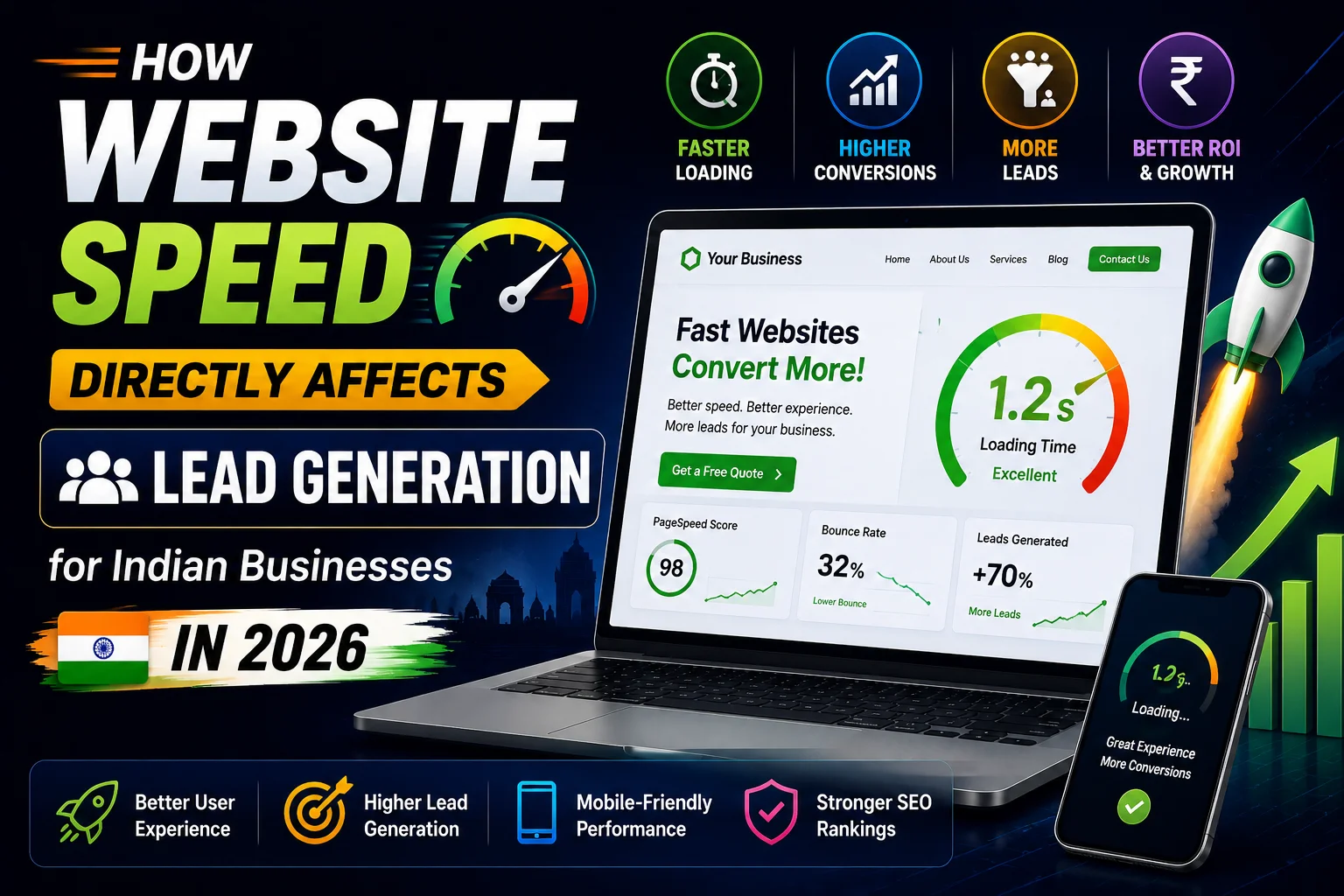
Every second your website takes to load is costing you leads.
This is not a theory — it is a measurable, documented reality.
For Indian businesses on mobile connections, the impact of slow website speed
on lead generation is even more severe than the global average.
This complete guide explains exactly how website speed affects your lead generation,
what the numbers actually mean for your Indian business,
and the specific steps to make your WordPress website fast enough
to stop losing leads to slow loading times.
The Real Cost of a Slow Website for Indian Businesses
- 53% of mobile visitors abandon a website that takes more than 3 seconds to load
- Every 1-second delay in page load time reduces conversions by 7%
- A website loading in 5 seconds versus 2 seconds loses approximately 20% of potential leads
- Google ranks faster websites higher — slow sites lose organic traffic before visitors even arrive
- Indian 4G connections average 15 to 25 Mbps — fast enough to expose every unoptimized element
For a Surat business website receiving 500 visitors per month at 3% conversion rate —
that is 15 leads per month.
A 5-second load time reducing conversions by 20% means only 12 leads instead of 15.
3 leads lost per month = 36 leads lost per year = significant revenue lost to slow loading.
Why Indian Business Websites Are Especially Affected by Speed
- 78% of Indian users browse on mobile — mobile connections are more sensitive to unoptimized code
- Many Indian businesses use cheap shared hosting with slow server response times
- WordPress websites with too many heavy plugins load slowly without proper optimization
- Uncompressed images — the #1 speed killer — are extremely common on Indian business websites
- No CDN — serving static files from a single server location causes slow delivery to users across India
How Website Speed Affects Every Stage of Lead Generation
Stage 1: Google Rankings — Traffic Before They Even Arrive
Google uses Core Web Vitals as a ranking factor.
A slow website ranks lower than equivalent content on a fast website.
This means slow speed reduces your organic traffic before potential leads even reach your site.
- LCP (Largest Contentful Paint) above 4 seconds = “Poor” rating = ranking disadvantage
- A competing Surat business with faster website can outrank you purely on speed difference
- PageSpeed score below 50 on mobile is a significant ranking liability in Indian local search
Stage 2: First Impression — Will They Stay?
The moment a visitor clicks your Google result or WhatsApp link and waits for your site to load —
every second of waiting reduces the probability they will stay.
- 0 to 1 second: Excellent — visitor stays and engages
- 1 to 3 seconds: Good — most visitors stay, some leave
- 3 to 5 seconds: Poor — 53% of mobile visitors have already left
- 5+ seconds: Critical — majority of visitors abandon before page loads
Stage 3: Browsing — Will They Read and Trust?
Even after the page loads — slow interactions reduce engagement.
If clicking a menu item, scrolling, or tapping a button causes a delay —
visitors perceive the website as broken or low-quality.
- INP (Interaction to Next Paint) above 500ms = pages feel unresponsive
- Layout shifts (CLS) as content loads = frustrating experience, elements moving under finger
- Both reduce time on site, pages per visit, and ultimately — conversion rate
Stage 4: Conversion — Will They Contact You?
Slow contact form loading, delayed WhatsApp button response, or sluggish CTA buttons
all reduce conversion at the final, most critical moment.
- Contact form taking 3+ seconds to submit creates doubt — “did it work?”
- WhatsApp button that lags before opening the app creates friction
- Slow page transitions between service pages reduce the browsing that leads to contact
What Speed Should Your Indian Business Website Target?
- Page load time: Under 2.5 seconds on Indian 4G — measured at webpagetest.org with India location
- Mobile PageSpeed score: 80+ at pagespeed.web.dev
- LCP (Largest Contentful Paint): Under 2.5 seconds
- INP (Interaction to Next Paint): Under 200 milliseconds
- CLS (Cumulative Layout Shift): Under 0.1
- Server response time (TTFB): Under 200 milliseconds
10 Speed Improvements That Directly Increase Lead Generation
1. Compress All Images to WebP Format
Unoptimized images are responsible for 60 to 80% of slow load times on most Indian business websites.
A single uncompressed hero image can be 3 to 5MB — taking 5 to 8 seconds to load on 4G.
- Install Imagify plugin — automatically converts uploads to WebP and compresses
- Bulk optimize existing images in Media Library → Imagify → Bulk Optimization
- Target: no image above 200KB for content images, under 100KB for hero images
- Result: typically 40 to 60% improvement in load time from images alone
2. Install a Caching Plugin
- WP Rocket (₹2,500/year) — best overall performance plugin, easiest setup
- LiteSpeed Cache (free) — excellent if your hosting uses LiteSpeed server
- W3 Total Cache (free) — powerful but requires technical knowledge to configure
- Caching serves pre-built HTML files instead of generating pages on every request — dramatically reduces load time
3. Use Quality Indian-Optimized Hosting
- Cheap shared hosting (under ₹50/month) causes TTFB of 800ms to 2 seconds — before any content loads
- Hostinger Business (₹200/month) — excellent performance for Indian websites, LiteSpeed servers
- Cloudways (₹700/month) — managed cloud hosting, best performance for high-traffic Indian sites
- Server location: India or Singapore — significantly faster delivery to Indian visitors
4. Enable Cloudflare CDN
- Cloudflare free plan includes Indian edge server locations in Mumbai and Chennai
- Static files (images, CSS, JavaScript) served from nearest location to visitor
- Reduces load time for visitors across India regardless of your hosting server location
- Setup: create free Cloudflare account → change nameservers → enable automatic optimization
5. Defer and Minify JavaScript
- JavaScript that loads before page content delays when visitors see your website
- WP Rocket → File Optimization → Defer JavaScript Execution
- Minify CSS and JavaScript — removes whitespace and comments, reduces file sizes
- Remove unused CSS — Rank Math and WP Rocket can identify and remove CSS not used on each page
6. Use Lazy Loading for Images
- Lazy loading delays loading of images below the fold until visitor scrolls to them
- WordPress 5.5+ enables lazy loading by default — verify it is not disabled
- WP Rocket enhances lazy loading with their implementation
- Significantly reduces initial page weight — only above-fold content loads immediately
7. Host Google Fonts Locally
- Loading Google Fonts from external servers adds 200 to 400ms on every page load
- Install OMGF (Optimize My Google Fonts) plugin — downloads fonts to your server
- In Elementor: Settings → Style → Google Fonts → disable and use locally hosted alternative
8. Optimize Your Database
- WordPress database accumulates revisions, spam comments, and transients over time
- Install WP-Optimize — free plugin that cleans and optimizes the database
- Schedule weekly automatic database optimization
- Reduces database query time — improves TTFB and overall page generation speed
9. Reduce Plugin Count
- Each plugin adds code that loads on every page — even plugins with “no performance impact” claim
- Audit every installed plugin — deactivate and delete any not actively used
- Replace multiple single-purpose plugins with comprehensive alternatives
- Target: under 15 active plugins for most Indian business websites
10. Enable HTTP/2 or HTTP/3
- HTTP/2 allows multiple files to load simultaneously instead of sequentially
- Most quality Indian hosting providers (Hostinger, SiteGround, Cloudways) support HTTP/2
- Check your hosting control panel — enable HTTP/2 if available
- Cloudflare automatically provides HTTP/2 and HTTP/3 for connected websites
Speed Improvement Priority Order for Indian Business Websites
- Day 1: Compress all images — biggest impact, fastest to implement
- Day 2: Install caching plugin — WP Rocket or LiteSpeed Cache
- Day 3: Connect Cloudflare free CDN
- Week 1: Upgrade hosting if TTFB above 500ms
- Week 2: Enable font local hosting, defer JavaScript
- Week 3: Database optimization, reduce plugin count
- Ongoing: Monthly PageSpeed test — maintain 80+ mobile score
Conclusion
Website speed is not a technical vanity metric — it is a direct lead generation factor
for every Indian business website in 2026.
A 2-second faster load time can mean 20 to 30% more leads from your existing traffic.
No additional marketing spend. No more blog posts. No more SEO work.
Just a faster website converting more of the visitors you already have.
Start today: test your website at pagespeed.web.dev on mobile.
If your score is below 70 — compress your images and install WP Rocket this week.
These two changes alone typically improve mobile PageSpeed score by 20 to 35 points.
Call To Action
Want your Indian business website optimized for speed and lead generation?
Get a free speed audit today — we identify and fix every performance issue costing you leads.
Or contact us on WhatsApp to discuss your website speed improvements.
Frequently Asked Questions
How does website speed affect lead generation for Indian businesses?
Every 1-second delay reduces conversions by 7%. A website loading in 5 seconds versus 2 seconds
loses approximately 20% of potential leads before visitors even read your content.
Speed also affects Google rankings — slower websites rank lower, reducing organic traffic.
What is the ideal website load time for Indian business websites?
Target under 2.5 seconds on Indian 4G connections — measured at webpagetest.org with India location.
PageSpeed Insights mobile score of 80+ indicates good performance for Indian mobile users.
LCP under 2.5 seconds is the most important single speed metric for lead generation.
What is the fastest way to improve my Indian business website speed?
Compressing images to WebP format is the fastest and highest-impact improvement —
typically improving load time by 40 to 60% in one step. Install Imagify plugin
and run bulk optimization on your existing media library immediately.
Does website hosting affect speed and lead generation for Indian businesses?
Yes — significantly. Cheap shared hosting causes server response times of 800ms to 2 seconds
before any content loads. Upgrading to Hostinger Business or Cloudways
with Indian server locations typically reduces TTFB by 60 to 80%.
How much does website speed optimization cost in India?
Basic optimization using free plugins (LiteSpeed Cache, Imagify free tier, Cloudflare) costs nothing.
WP Rocket costs ₹2,500/year for comprehensive optimization. Professional speed optimization
by a WordPress developer in India costs ₹5,000 to ₹15,000 as a one-time service.
Will improving website speed improve my Google rankings in India?
Yes — Google uses Core Web Vitals as a ranking factor. Improving LCP, INP, and CLS scores
directly contributes to better rankings for all searches including local Surat queries.
The ranking improvement combined with better conversion rates compounds the lead generation benefit.