Home
Home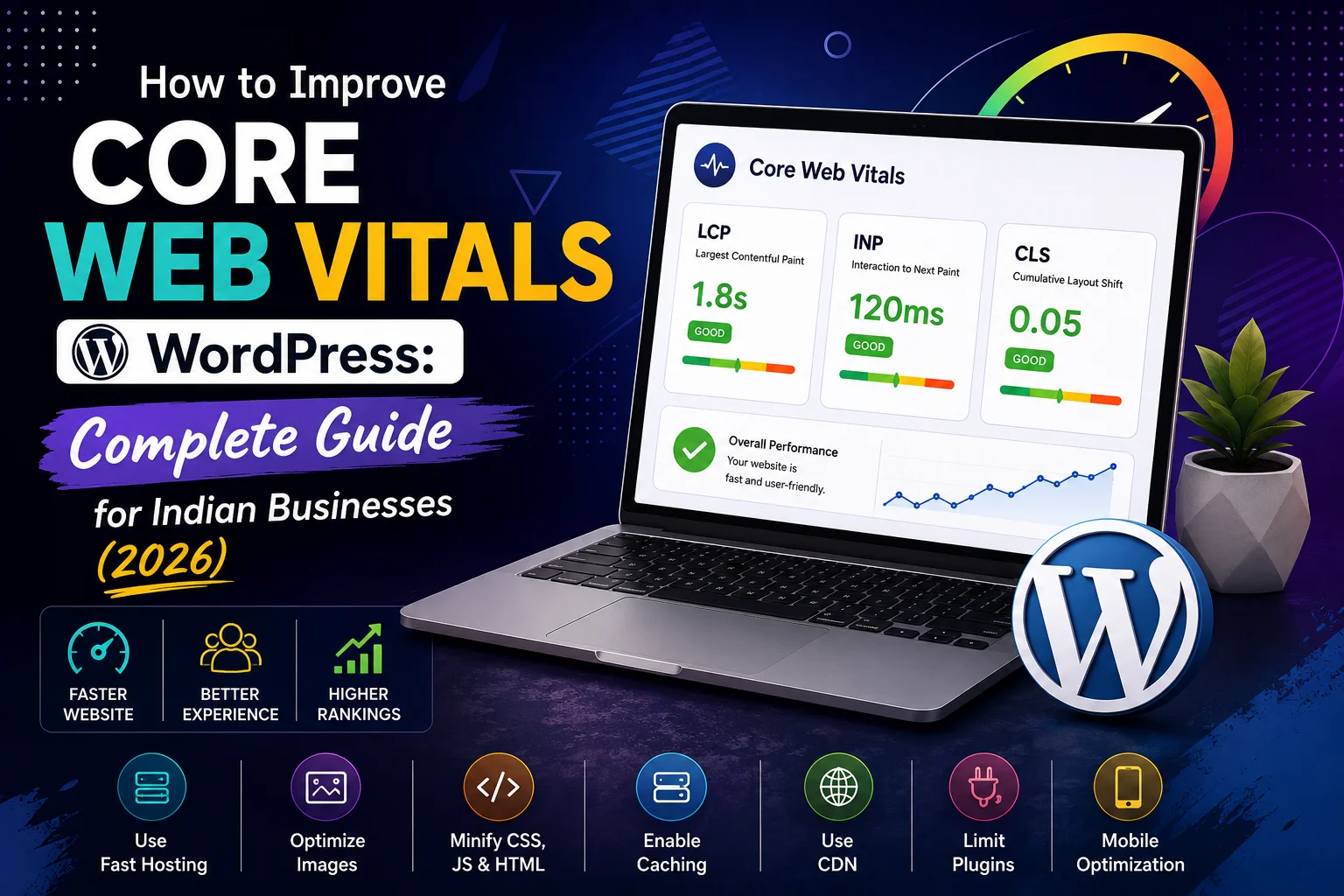
In 2021, Google made it official: Core Web Vitals are a ranking factor.
In 2026, their weight in Google’s algorithm has only increased.
If your WordPress website is failing Core Web Vitals — you are losing rankings to competitors
whose pages load faster and respond more smoothly for Indian mobile users.
This complete guide explains exactly what Core Web Vitals are, how to check them,
and the specific steps to fix each one for Indian WordPress websites.
What Are Core Web Vitals?
Core Web Vitals are three specific metrics Google uses to measure real-world page experience:
- LCP — Largest Contentful Paint: How fast your main content loads. Measures the time from page start to when the largest visible element (usually your hero image or main heading) is fully rendered. Target: under 2.5 seconds
- INP — Interaction to Next Paint: How quickly your page responds to user interactions like clicks and taps. Target: under 200 milliseconds
- CLS — Cumulative Layout Shift: How stable your page layout is while loading. Measures unexpected element movement — text jumping, buttons shifting. Target: under 0.1
Check your current Core Web Vitals at pagespeed.web.dev or in Google Search Console → Core Web Vitals.
Focus on mobile scores — Google’s algorithm uses mobile performance for all rankings.
How to Fix LCP (Largest Contentful Paint) in WordPress
LCP is usually the hardest Core Web Vital to pass — and the most impactful for Indian users
on variable mobile connections.
1. Optimize Your Hero Image — The #1 LCP Fix
- The hero image is almost always the Largest Contentful Paint element
- Compress hero image to WebP format — maximum 100KB for mobile hero images
- Add fetchpriority=”high” attribute to your hero image tag — tells browser to load it first
- Preload the hero image in your theme’s header: <link rel=”preload” as=”image” href=”hero.webp”>
- Size hero image correctly — do not serve a 2000px image for a 600px mobile display
2. Eliminate Render-Blocking Resources
- JavaScript files that load before page content delay LCP significantly
- Use WP Rocket → File Optimization → Defer JavaScript
- Move non-critical CSS to load asynchronously
- Remove unused JavaScript — check WP Rocket’s “Remove Unused CSS” feature
3. Use a Fast Hosting Provider
- Server response time (TTFB) directly affects LCP
- Target TTFB under 200ms — check in PageSpeed Insights “Reduce server response times” diagnostic
- Switch to Hostinger Business, Cloudways, or SiteGround if TTFB is above 500ms
- Enable server-side caching — LiteSpeed Cache or WP Rocket’s page caching
4. Host Google Fonts Locally
- External font loading adds 200 to 400ms to your LCP
- Install OMGF plugin — downloads Google Fonts to your server
- In Elementor: Settings → Style → Disable Google Fonts, use locally hosted fonts instead
How to Fix INP (Interaction to Next Paint) in WordPress
INP replaced FID in 2024 and measures how responsive your page feels to user interactions.
1. Reduce JavaScript Execution Time
- Too much JavaScript running on page load blocks user interactions
- Use WP Rocket → Delay JavaScript Execution — defers non-critical scripts until user interacts
- Identify heavy scripts in Chrome DevTools → Performance tab
- Remove or replace plugins with heavy frontend JavaScript
2. Minimize Third-Party Scripts
- Each third-party script (chat widgets, analytics, social embeds) adds JavaScript that affects INP
- Load third-party scripts lazily — only after page is interactive
- Use Partytown (available in some performance plugins) to run third-party scripts in a web worker
- Remove any third-party scripts you are not actively using
3. Optimize Elementor for Better INP
- Enable “Improved Asset Loading” in Elementor → Settings → Advanced
- Enable “Inline Font Icons” — reduces HTTP requests
- Minimize Elementor animation usage — every animation adds JavaScript overhead
- Disable Elementor on pages where it is not used
How to Fix CLS (Cumulative Layout Shift) in WordPress
CLS is usually the easiest Core Web Vital to fix once you know the causes.
1. Set Image Dimensions in HTML
- Images without defined width and height attributes cause layout shifts as they load
- WordPress 5.5+ automatically adds dimensions — ensure you are not overriding this
- In Elementor image widgets — always set explicit image dimensions
- Check for width: auto or height: auto CSS on images causing shifts
2. Fix Ad and Embed Placeholder Sizing
- Ads or embeds that load after page content cause significant layout shifts
- Reserve space for ads with min-height CSS before ad scripts load
- Use aspect-ratio CSS on video embeds: aspect-ratio: 16 / 9
3. Handle Font Loading Correctly
- Custom fonts loading after page renders cause text to jump and shift
- Add font-display: optional or font-display: swap to your font CSS
- Preload critical fonts in your theme header
- Use system fonts for above-fold content if CLS from fonts is severe
4. Fix Dynamic Content Insertion
- Cookie banners, chat widgets, and announcement bars that insert above existing content cause CLS
- Reserve space for cookie banners with a fixed-height placeholder
- Use position: fixed for chat widgets so they do not affect page layout
Core Web Vitals Improvement Checklist for WordPress India
LCP Fixes
- Hero image compressed to WebP under 100KB
- fetchpriority=”high” on hero image
- Hero image preloaded in header
- WP Rocket page caching enabled
- JavaScript deferred
- Google Fonts hosted locally
- Hosting TTFB under 200ms
INP Fixes
- WP Rocket Delay JavaScript enabled
- Third-party scripts minimized
- Elementor Improved Asset Loading enabled
- Unused plugins deactivated
CLS Fixes
- All images have explicit width and height attributes
- Video embeds use aspect-ratio CSS
- Font-display: swap set for custom fonts
- Cookie banner and chat widget do not cause content shift
How to Monitor Core Web Vitals Over Time
- Google Search Console → Core Web Vitals report — shows real user data from Chrome browsers
- PageSpeed Insights — lab data showing current performance
- Google Analytics 4 — check Web Vitals report under Reports → App and Web
- Monitor monthly — Core Web Vitals can degrade after plugin updates or new content additions
Conclusion
Core Web Vitals are not a one-time fix — they require ongoing attention as your WordPress site evolves.
Plugins update, new content is added, and third-party scripts accumulate over time.
Implement the fixes in this guide, achieve passing scores, then monitor monthly
to ensure your Indian business website maintains its performance advantage.
Call To Action
Need professional Core Web Vitals optimization for your WordPress website?
Get a free performance audit today — we identify and fix every Core Web Vitals issue.
Or contact us on WhatsApp to discuss your website’s performance.
Frequently Asked Questions
Do Core Web Vitals affect Google rankings in India?
Yes — Google officially uses Core Web Vitals as a ranking signal globally including India.
Pages with Good Core Web Vitals scores have a ranking advantage over equivalent content
on pages with Poor or Needs Improvement scores.
What is a good Core Web Vitals score for WordPress websites?
Good scores: LCP under 2.5 seconds, INP under 200 milliseconds, CLS under 0.1.
Needs Improvement: LCP 2.5 to 4 seconds, INP 200 to 500ms, CLS 0.1 to 0.25.
Poor: LCP above 4 seconds, INP above 500ms, CLS above 0.25.
Which Core Web Vital is hardest to fix on WordPress?
LCP is typically the most challenging — it requires image optimization, server speed improvement,
render-blocking resource elimination, and careful font loading management simultaneously.
CLS is usually the easiest to fix once the causing elements are identified.
Does Elementor negatively affect Core Web Vitals?
Elementor can negatively impact Core Web Vitals if not properly configured.
Enabling Improved Asset Loading, disabling unnecessary animations, and using a lightweight
base theme significantly reduces Elementor’s performance impact on Core Web Vitals.
How long does it take to see improvement in Core Web Vitals after fixes?
Lab data (PageSpeed Insights) shows improvement immediately after fixes are implemented.
Field data in Google Search Console (real user data) updates over 28-day rolling periods —
expect to see score improvements in Search Console within 4 to 8 weeks of fixes.
Can WP Rocket fix all Core Web Vitals issues?
WP Rocket addresses many LCP and INP issues — caching, JavaScript deferral, image optimization.
But CLS issues (image dimensions, font loading, dynamic content) require additional specific fixes
beyond what WP Rocket handles automatically. A combination of WP Rocket plus manual fixes is optimal.