Home
Home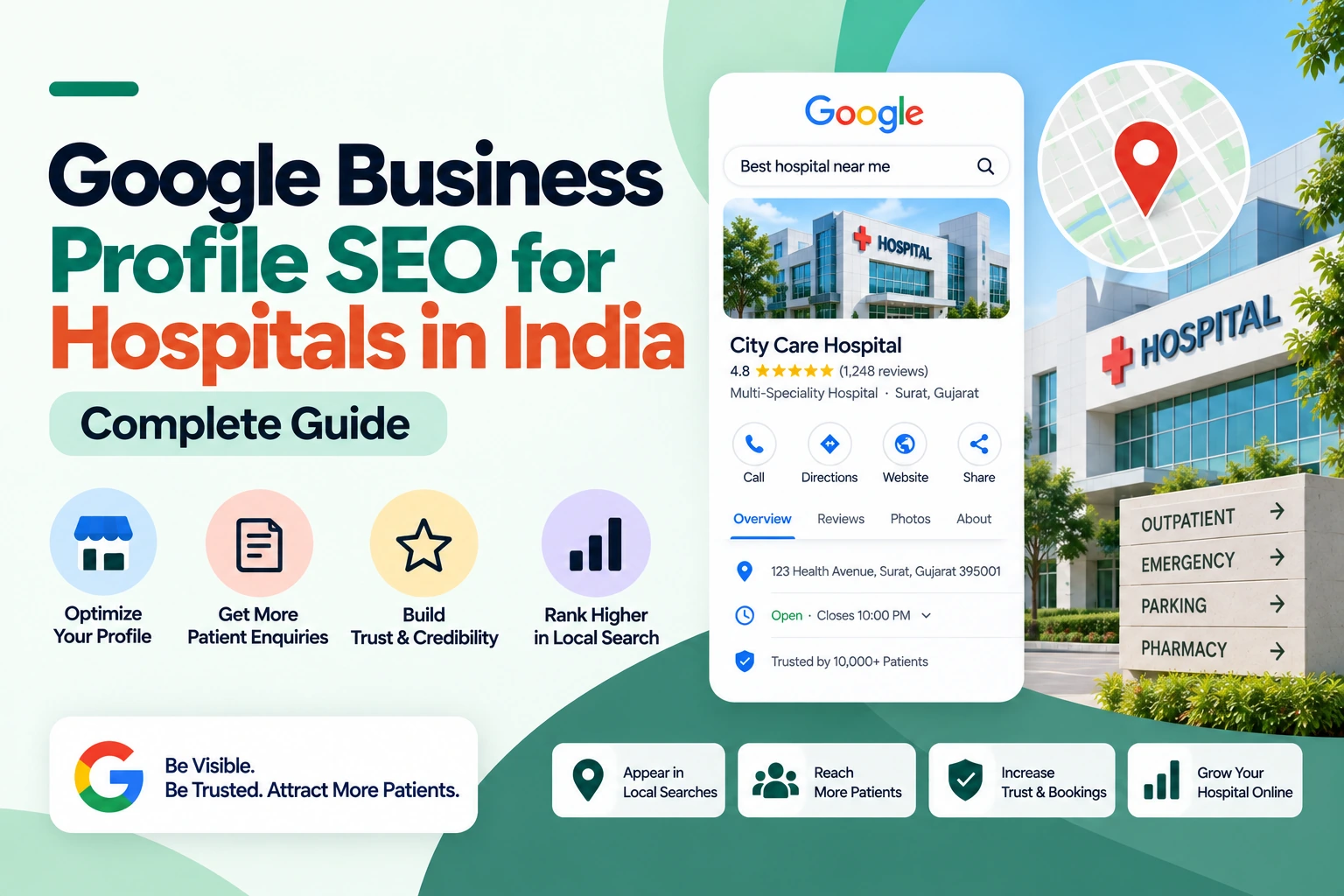
When a patient searches “hospital near me” or “cardiac hospital in [city]” —
Google displays 3 hospitals in a map-based Local Pack at the very top of results.
These 3 positions capture the majority of all patient clicks for that search.
Every other hospital in the city — regardless of size, reputation, or bed count —
is effectively invisible to patients making that search.
Your Google Business Profile is the primary factor that determines
whether your hospital appears in those 3 Local Pack positions —
and across Google Maps — for every specialty search in your city.
A fully optimized hospital GBP consistently outranks competitors
with larger facilities and longer track records
who have neglected this free and powerful tool.
This complete guide covers every GBP optimization step
that produces consistent Local Pack rankings for Indian hospitals.
Why GBP SEO Is the Highest-Priority Free Marketing Activity for Indian Hospitals
- Zero cost: GBP is completely free — no subscription, no cost per click
- Emergency search dominance: “Hospital near me” in emergencies — Local Pack top 3 means your hospital is the first call
- Multi-specialty visibility: One optimized GBP ranks for cardiology, orthopaedics, maternity, and emergency searches simultaneously
- Direct patient contact: Patients call, WhatsApp, and request directions directly from Google Maps — without visiting your website
- Mobile first: GBP results appear at the very top of mobile search — where 80% of Indian hospital patients search
- Review platform: Google reviews — India’s most trusted patient reviews — live on your GBP
- Insights: GBP shows exactly how many patients call, get directions, and visit your website monthly — free analytics
Step 1 — Claim, Verify, and Secure Your Hospital GBP
- Go to business.google.com — sign in with hospital Google account
- Search your hospital name — claim if found, create new profile if not
- Verification: video verification now standard — record hospital exterior, signage, reception, key departments
- Add authorized managers: hospital marketing team and patient relations — not personal accounts
- Remove unauthorized managers immediately — incorrect information from unauthorized access can damage ranking and trust
- Hospital name on GBP must match legal registered name — “[Hospital Name] Hospital” or “[Hospital Name] Healthcare Centre”
Step 2 — Core GBP Information — Every Field Complete
Primary Category — Most Critical Single Setting
- Always: “Hospital” — never “Medical Center”, “Clinic”, or “Healthcare”
- Secondary categories: “General Hospital”, “Private Hospital”, “Surgical Center”, “Emergency Care Physician”
- Specialty-specific secondary: “Maternity Hospital” if strong obstetrics focus, “Cancer Treatment Center” if oncology is a key specialty, “Children’s Hospital” if strong paediatrics
- Each secondary category adds Local Pack ranking signal for specialty-specific searches
- Review and update categories when adding new specialty departments
Hospital Description — All 750 Characters Used
- Opening: “A [X]-bed multi-specialty hospital serving patients in [city] since [year]”
- Key specialties: “specializing in cardiology, cardiac surgery, orthopaedics and joint replacement, obstetrics and gynaecology, neurology, oncology, and 24-hour emergency care”
- Accreditations: “NABH accredited | JCI certified” — highest-trust quality signals in Indian healthcare
- Technology: “equipped with cath lab, robotic surgery system, advanced NICU, 3T MRI, and 64-slice CT scan”
- Insurance: “cashless facility for 30+ insurance companies including CGHS, ECHS, Ayushman Bharat, Star Health, HDFC Ergo”
- Location: “located in [area], [city] — serving patients from [surrounding localities]”
- Include city and key area name 2 to 3 times naturally — local keyword signals for Google
Contact and Hours
- Main reception phone: primary contact, tested and active
- Emergency phone: separate number in description if different from reception
- OPD hours: morning and evening sessions listed accurately
- Emergency hours: “Emergency: 24 hours, 7 days” — prominently visible
- Holiday hours: set special hours for major holidays — prevents patient frustration
- Appointment link: WhatsApp OPD booking link — patients book directly from Maps
- Website: hospital homepage or specialty landing page
Step 3 — Services Section — Every Specialty Department Listed
The Services section is GBP’s most underutilized ranking feature —
each specialty and department you list adds keyword ranking signal
for that specialty’s patient searches.
Medical Specialties to List
- Cardiology and Cardiac Surgery — “Interventional cardiology, bypass surgery, valve replacement, angioplasty”
- Orthopaedics and Joint Replacement — “Knee replacement, hip replacement, arthroscopy, sports injuries”
- Obstetrics and Gynaecology — “Normal delivery, C-section, high-risk pregnancy, laparoscopic gynaecology”
- Neurology and Neurosurgery — “Stroke care, epilepsy, brain tumour, spine surgery”
- Oncology and Cancer Care — “Medical oncology, surgical oncology, radiation therapy, chemotherapy”
- Gastroenterology — “Endoscopy, colonoscopy, liver disease, GI surgery”
- Urology and Nephrology — “Kidney stone, prostate, dialysis, kidney transplant”
- Paediatrics and Neonatology — “Paediatric OPD, NICU, paediatric surgery, vaccination”
- ENT — “Sinus surgery, tonsillectomy, hearing tests, cochlear implant”
- Ophthalmology — “Cataract surgery, LASIK, retina, glaucoma”
- Emergency and Trauma — “24-hour emergency, ICU, trauma bay, ambulance services”
- Diagnostic Services — “MRI, CT scan, X-ray, pathology lab, ECG, echo”
Step 4 — Photos — Institutional Visual Trust
Hospital GBP profiles with 60+ high-quality photos receive dramatically more
patient clicks, calls, and direction requests than profiles with few photos.
For a hospital, photos build the institutional confidence
that patients need before choosing where to receive significant medical care.
Essential Hospital GBP Photo Categories
- Hospital exterior (5 to 8): Building facade, entrance, signage, parking — helps patients locate and recognize the hospital
- Reception and waiting areas (5 to 8): Clean, organized, well-lit — reduces patient anxiety about the environment
- Specialty wards (8 to 12): Cardiac ward, maternity ward, NICU, ICU — shows department-level capability
- Operation theatre (3 to 5): Clean, modern OT — builds confidence for surgical patients
- Equipment (8 to 12): Cath lab, MRI, robotic surgery system, NICU incubators — signals technological advancement
- Specialist doctors (10 to 15): Professional headshots of all specialists — personal trust element
- Nursing and support staff (5 to 8): Ward staff, paramedics — humanizes institution
- Patient-friendly facilities (3 to 5): Cafeteria, pharmacy, waiting lounge — addresses family member needs
Photo Upload Best Practices
- Add 5 to 10 new photos every month — regular additions signal active, thriving hospital
- Natural or professional lighting — no dark, blurry, or poorly composed photos
- Real hospital photos only — stock medical imagery is not permitted on GBP
- Caption photos descriptively — “Cath Lab at [Hospital Name] [City]” — keyword signal
- Doctor photos: professional headshots in clinical settings, not passport-style photos
Step 5 — Google Reviews — Primary Local Pack Ranking Factor
Review Targets for Indian Hospitals
- Tier-2 cities: 80 to 120 reviews at 4.3+ stars — adequate for strong Local Pack positioning
- Tier-1 cities: 150 to 250 reviews at 4.2+ stars — competitive hospital markets require higher volume
- Metro cities: 250 to 400+ reviews — metro hospital competition is intense
- Review velocity: 15 to 30 new reviews per month — recency signal as important as total count
Hospital Review Collection System
- Discharge WhatsApp: Automated message at patient discharge — “Thank you for choosing [Hospital] for your care. If your experience was positive, a Google review helps other patients in [city] find quality healthcare. [Direct link]”
- Ward-level collection: Nursing staff verbally requests review at discharge — department-specific request increases response rate
- OPD WhatsApp: Receptionist sends review link after OPD consultation — same day while experience is fresh
- Billing area QR code: Displayed prominently at billing counter — patients scan during discharge payment wait
- Follow-up SMS: 24 hours post-discharge for patients without WhatsApp
Review Response Protocol for Hospitals
- Patient relations team responds to every review within 48 hours
- Include department keyword naturally: “Thank you for trusting [Hospital] for your cardiac surgery in [city]”
- Negative reviews: acknowledge concern, express empathy, provide patient relations contact, never be defensive or reveal patient details
- Standardize positive response templates — but personalize each with patient name and department
- Designate senior team member for negative review responses — reputational sensitivity
Step 6 — GBP Posts for Hospital Local Ranking
Post Types That Improve Hospital GBP Ranking and Engagement
- Health awareness posts: World Heart Day, World Cancer Day, Diabetes Awareness Month — tied to global health calendar, highly shareable
- New specialist announcement: “We welcome Dr. [Name], [Specialty] to [Hospital]” — specialist name searches now rank your GBP
- New technology post: “We have added [equipment] to our [department]” — signals advancement, builds confidence
- Insurance update post: “We are now cashless for [new insurance company]” — captures insurance-specific patient searches
- Free health camp post: “Free cardiac screening camp — [date] — WhatsApp to register” — direct lead generation
- Milestone post: “[X] successful knee replacements at [Hospital]” — procedure volume builds expertise signal
- Seasonal health post: “Monsoon health precautions from [Hospital]” — timely, local relevance
Posting Frequency and Format
- Minimum 3 to 4 posts per week — larger institution, more content expected by Google algorithm
- Every post: high-quality hospital photo + 150 to 300 words + WhatsApp booking or registration CTA
- Include city and specialty keywords naturally in every post — local keyword signal
- Designate marketing team member for consistent weekly posting schedule
Step 7 — Q&A Section — Pre-Answer Patient Questions
- Add 20+ questions proactively — do not wait for patients to ask
- Essential questions: “Is [Hospital] NABH accredited?”, “Which insurance companies do you accept?”, “Do you have 24-hour emergency?”, “What is the OPD timing?”, “Do you have a NICU?”, “Is robotic surgery available?”, “What is the cost of knee replacement surgery?”, “Do you accept Ayushman Bharat?”, “Is there parking available?”
- Thorough answers: 100 to 200 words per answer — Q&A content indexes in Google
- Monitor patient-submitted questions daily — hospital Q&A can include sensitive medical queries needing prompt professional response
Step 8 — GBP Insights for Hospital Performance Tracking
- Search queries: Which specialty searches bring patients to your GBP — identify ranking opportunities
- Actions: Monthly calls, direction requests, website clicks — primary patient lead metrics
- Photo performance: Which department photos get most views — add more similar content
- Review trends: Average rating over time, new reviews per month — monitor for negative trends
- Monthly review: if any metric declines, investigate — review velocity, photo freshness, post activity
For the complete local SEO strategy that complements your hospital GBP optimization,
see our guide on local SEO for hospitals and healthcare centres in India.
For the full hospital digital marketing strategy beyond GBP,
see our complete guide on digital marketing strategy for hospitals in India.
Conclusion
Google Business Profile SEO for Indian hospitals
is the single highest-ROI free marketing activity available —
generating patient calls, direction requests, and website visits
across every specialty your hospital serves, at zero cost per enquiry.
Complete your hospital GBP this week —
“Hospital” as primary category, every specialty listed as a service,
60+ photos uploaded, 750-character description covering accreditations and insurance.
Implement discharge review collection across every ward and OPD.
Post 3 to 4 times per week with health awareness and specialist content.
Within 8 to 12 weeks your hospital’s Local Pack ranking will improve measurably —
and with consistent monthly maintenance, it compounds permanently.
Call To Action
Want your hospital’s Google Business Profile fully optimized for Local Pack ranking?
Get a free hospital GBP audit today — we optimize Indian hospital GBP profiles for consistent Google Maps and multi-specialty Local Pack visibility that fills OPD and specialist appointment books.
Or contact us on WhatsApp to discuss your hospital’s local SEO requirements.
Frequently Asked Questions
What GBP category should Indian hospitals use?
Always use “Hospital” as the primary GBP category — this is the single most impactful setting for hospital Local Pack ranking. Add secondary categories: “General Hospital”, “Private Hospital”, “Surgical Center”, and specialty-specific categories like “Maternity Hospital” or “Cancer Treatment Center” where applicable. Never use “Medical Center”, “Clinic”, or “Healthcare” as primary for a hospital — these categories lose all hospital-specific Local Pack ranking signals.
How many Google reviews does a hospital need in India for Local Pack ranking?
Tier-2 Indian cities require 80 to 120 reviews at 4.3+ stars for strong hospital Local Pack positioning. Tier-1 cities require 150 to 250 reviews. Metro cities require 250 to 400+ reviews for competitive multi-specialty dominance. Target 15 to 30 new reviews per month — implement a discharge WhatsApp review request system across all wards and OPD. Review velocity (recency of reviews) is as important as total volume for Google’s local ranking algorithm.
Can a hospital GBP rank for multiple specialty searches?
Yes — a single fully optimized hospital GBP can rank in the Local Pack for cardiology, orthopaedics, maternity, and emergency searches simultaneously. This multi-specialty visibility comes from: listing every specialty as a service (each adds ranking signal), adding specialty secondary categories, collecting reviews mentioning specific departments (“the cardiac team was excellent”), and publishing GBP posts about each specialty. A hospital with 10 specialties listed in services can generate Local Pack visibility for all 10 specialty search categories.
How often should hospitals post on Google Business Profile?
Hospitals should post 3 to 4 times per week — significantly more than clinics. Hospitals have more content to share: specialist appointments, new technology, health awareness days, free camps, insurance updates, patient milestones. Active posting frequency correlates directly with improved Local Pack ranking for hospitals. Designate a marketing team member to manage GBP posting as a primary weekly responsibility — consistency matters more than individual post quality.
What photos should hospitals upload to Google Business Profile?
Upload 60+ photos across these categories: hospital exterior and entrance (5 to 8), reception and waiting areas (5 to 8), specialty wards — cardiac, maternity, ICU (8 to 12), operation theatre (3 to 5), key equipment — MRI, cath lab, robotic system (8 to 12), specialist doctors headshots (10 to 15), nursing staff (5 to 8), and patient-friendly facilities (3 to 5). Add 5 to 10 new photos monthly — regular additions signal an active, thriving hospital to Google’s ranking algorithm.
How should hospitals respond to negative Google reviews?
Assign a senior patient relations or hospital management team member to respond to all negative reviews within 48 hours. Acknowledge the concern, express genuine empathy, provide a direct contact for offline resolution, and never be defensive or reveal any patient details. The public response demonstrates your hospital’s commitment to patient experience — potential patients reading reviews are equally influenced by how complaints are handled as by the complaints themselves. Never argue publicly with a negative reviewer.
Does GBP optimization affect hospital website SEO rankings?
Yes — GBP and website SEO are directly interconnected for hospitals. Consistent NAP (Name, Address, Phone) between GBP and hospital website is a critical local ranking signal — inconsistencies suppress both GBP and organic rankings. GBP website link passes authority to your hospital website. Strong GBP improves overall brand authority — strengthening website trust signals. Hospitals with optimized GBP and SEO-ready websites dominate both Local Pack and organic search results simultaneously for the same specialty searches.
What is the biggest GBP mistake Indian hospitals make?
The most common and impactful mistake is selecting the wrong primary category — using “Medical Center” or “Healthcare” instead of “Hospital”. This single error prevents appearing in the Local Pack for hospital-specific searches. The second most damaging mistake is no systematic review collection system — most hospital patients will not leave reviews spontaneously without a direct WhatsApp request at discharge. These two errors alone prevent the majority of Indian hospitals from achieving the Local Pack visibility they could easily have with basic optimization.