Home
Home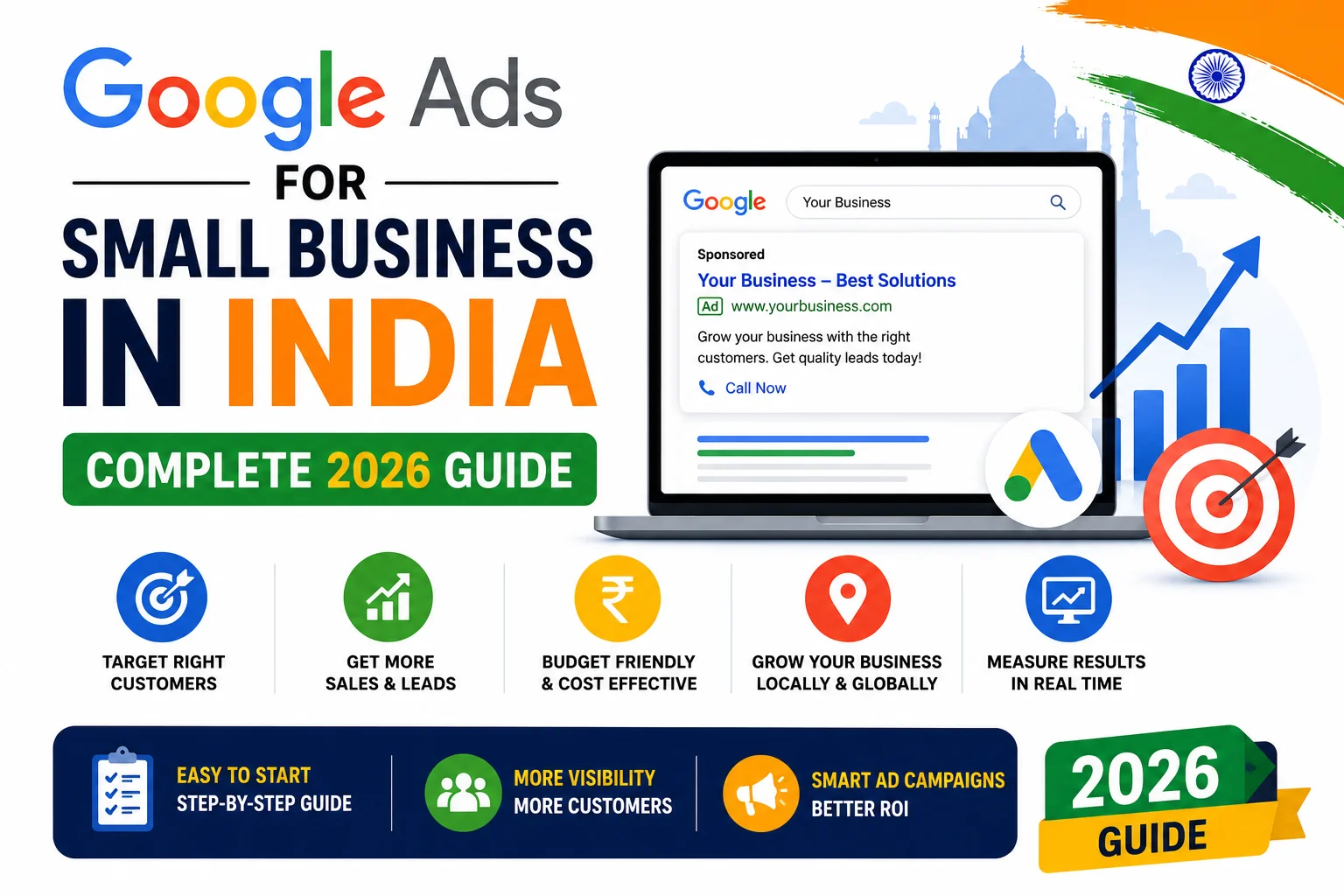
Your competitor’s website appears at the very top of Google every time someone searches for your service.
Above all organic results. Above Google Maps. Right at position zero.
That is Google Ads — and it is available to every Indian business, starting from just ₹500 per day.
Google Ads is the fastest way to get your business in front of customers who are actively searching
for exactly what you offer — right now, today, not after 6 months of SEO work.
In this complete guide, you will learn how to set up Google Ads for your Indian business,
choose the right budget, target the right customers, and avoid the costly mistakes
that waste money without generating a single lead.
What is Google Ads and How Does It Work?
Google Ads (formerly Google AdWords) is Google’s paid advertising platform.
You create ads that appear at the top of Google search results when people search for keywords you choose.
You pay only when someone actually clicks your ad — this is called Pay-Per-Click (PPC) advertising.
- Your ad appears instantly — no waiting for SEO rankings to build
- You choose exactly which keywords trigger your ad
- You set a daily budget — Google never charges more than you allow
- You pay only per click — not per impression or per day
- You can pause, adjust, or stop campaigns at any time
- Detailed reporting shows exactly which keywords and ads are generating leads
For Indian small businesses wanting immediate visibility while their SEO builds over time —
Google Ads is the single most targeted and measurable paid marketing channel available.
Why Google Ads Works Better Than Other Ads for Indian Businesses
- Search Intent: People searching “web designer in Surat” are ready to hire — not just browsing. This intent makes Google Ads conversions far higher than social media ads.
- Exact Targeting: Show your ad only to people in your city, searching your exact service, on the device you choose — mobile, desktop, or both.
- Pay Per Click: Unlike newspaper or hoarding ads, you pay only when someone actually visits your website — not just for exposure.
- Complete Control: Set your own budget. Increase it when it is working. Pause it instantly if needed. No contracts.
- Measurable ROI: Know exactly how many clicks, calls, and form submissions your ads generated — down to the rupee spent.
Types of Google Ads for Indian Businesses
1. Search Ads — Most Important for Small Business
Text ads that appear at the top of Google search results when someone searches your keywords.
Marked with a small “Sponsored” label — but appear before all organic results.
Best for: Any business where customers search for the service before purchasing.
- Appear for specific keywords you choose — “web designer Surat”, “WordPress developer India”
- Text-based — headline, description, and your website URL
- Highest buyer intent of all ad formats — customers are actively searching
- Cost per click in India: ₹10 to ₹200 depending on industry and competition
2. Display Ads — Brand Awareness
Image or banner ads that appear on websites across Google’s Display Network —
millions of websites, apps, and YouTube that partner with Google.
- Best for: Building brand awareness and remarketing to past website visitors
- Lower cost per click than search ads
- Lower purchase intent — people are browsing, not actively searching
- Good for keeping your brand visible to people who visited your website but did not convert
3. Local Service Ads — Best for Surat Local Businesses
Local Service Ads appear at the very top of Google — above even regular Search Ads —
showing your business name, rating, and phone number for local service searches.
- Pay per lead — not per click — so you only pay when someone contacts you directly
- Google guaranteed badge — builds instant trust with Indian customers
- Best for: Service businesses targeting customers in a specific city
- Currently limited availability in India — check if available in your city
4. Shopping Ads — For eCommerce Stores
Product listing ads that appear at the top of Google with product image, price, and store name.
Best for WooCommerce and eCommerce stores selling physical products in India.
- Shows product photo, price, and brand directly in search results
- Requires Google Merchant Center account connected to your WooCommerce store
- Very high conversion rate — customers see price before clicking
How to Set Up Google Ads for Your Indian Business: Step by Step
Step 1: Create Your Google Ads Account
- Go to ads.google.com and sign in with your Google account
- Select your primary advertising goal — “Get more website visits” or “Get more calls”
- Set your business location — Surat, Gujarat, India
- Set your time zone to India Standard Time (IST)
- Set your currency to Indian Rupee (INR)
- Enter your billing details — UPI, net banking, credit card, or debit card all accepted
Step 2: Keyword Research for Indian Market
Choosing the right keywords is the most important factor in Google Ads success.
The wrong keywords waste your entire budget on clicks from people who will never become customers.
- Use Google Keyword Planner (free inside Google Ads) to find keyword search volumes and costs in India
- Focus on high-intent keywords — “hire web designer Surat”, “WordPress developer cost India”
- Include location keywords — “web designer in Surat”, “website development Gujarat”
- Use long-tail keywords — “affordable web design for small business Surat” — lower cost, higher conversion
- Add negative keywords — words that should never trigger your ad — “free”, “DIY”, “tutorial” etc.
Step 3: Set Your Budget
Google Ads works with any budget — Indian small businesses can start from ₹500 per day
and scale up based on results.
- Starter budget: ₹500 – ₹1,000/day — good for testing keywords and ad copy
- Growth budget: ₹1,000 – ₹3,000/day — scaling what is working from the testing phase
- Aggressive budget: ₹3,000 – ₹10,000/day — dominating your local market
- Start small — spend ₹15,000 to ₹20,000 testing over the first month before scaling
- Google never charges more than your daily budget — it is a hard cap
Step 4: Write Effective Ad Copy
Your ad headline is what Indian customers see in Google results.
It must be compelling enough to win the click over all competitor ads showing simultaneously.
- Headline 1 (30 chars): Include your primary keyword — “Web Designer in Surat”
- Headline 2 (30 chars): Key benefit — “Professional WordPress Websites”
- Headline 3 (30 chars): Call to action — “Get a Free Quote Today”
- Description (90 chars each): Expand on benefits — “Custom WordPress websites for Indian businesses. Fast, SEO-friendly, mobile-optimized. Starting from ₹20,000.”
- Include your USP — what makes you different from 10 other web designers in Surat
- Add ad extensions — call extension with your number, site link extensions to key pages
Step 5: Set Up Conversion Tracking
Without conversion tracking, you are spending money without knowing which ads and keywords
are actually generating leads. This is the most common mistake Indian advertisers make.
- Track form submissions — set up a “Thank You” page and track visits to it as a conversion
- Track phone calls — Google can track calls made directly from your ad
- Track WhatsApp button clicks — set up as a Google Analytics 4 event linked to Google Ads
- Connect Google Analytics 4 to Google Ads — imports all conversion events automatically
Step 6: Create a High-Converting Landing Page
Your ad brings the click — your landing page converts it into a lead.
Sending Google Ads traffic to your homepage is one of the biggest money-wasting mistakes.
- Create a dedicated landing page that exactly matches what your ad promised
- Include a clear headline, benefits, portfolio samples, client testimonials, and a form
- Add a WhatsApp button prominently — Indian customers prefer WhatsApp contact
- Remove navigation menu — keep visitors focused on converting, not browsing
- Make the page load in under 3 seconds on mobile — slow pages destroy your Quality Score and increase costs
Google Ads Cost in India — What to Expect
- Web Design / Development: ₹30 – ₹150 per click
- SEO Services: ₹40 – ₹200 per click
- eCommerce / WooCommerce: ₹25 – ₹120 per click
- Local Service businesses (Surat): ₹15 – ₹80 per click
- Average conversion rate (good landing page): 5% to 15%
- Cost per lead (web design, Surat): ₹300 – ₹2,000 depending on optimization
If a web design project is worth ₹25,000 to you — spending ₹2,000 to acquire that lead
represents an excellent return on investment.
Google Ads vs SEO for Indian Businesses
- Google Ads — Immediate results: Ads appear within hours of activation. Stop the moment you stop paying.
- SEO — Long-term results: Takes 3 to 6 months but delivers free, permanent traffic that compounds over time.
- Best strategy for India: Run Google Ads immediately for quick leads while building SEO in parallel for long-term organic traffic. Use both together — not either/or.
Common Google Ads Mistakes Indian Small Businesses Make
- Not adding negative keywords — ads show for irrelevant searches and waste budget on zero-intent clicks
- Sending all traffic to the homepage instead of a dedicated landing page — conversion rates drop by 70%
- Not setting up conversion tracking — spending money with no idea what is actually working
- Targeting too broadly — “website design” nationally instead of “web designer Surat” locally
- Setting and forgetting — Google Ads requires weekly monitoring and optimization to remain efficient
- Not testing multiple ad variations — always run 2 to 3 versions of each ad to see which performs better
- Stopping campaigns too early — Google’s algorithm needs 2 to 4 weeks of data to optimize properly
Pro Tips for Google Ads Success in India
- Start with exact match and phrase match keywords only — broad match wastes budget when starting out
- Schedule ads only during business hours — if you cannot answer calls at 2 AM, do not pay for 2 AM clicks
- Bid higher for mobile — 80% of Indian searches happen on mobile, and mobile users convert well for local services
- Use call extensions — adds your phone number directly to the ad, enabling one-tap calling on mobile
- Review Search Terms report weekly — it shows the actual searches triggering your ads and reveals new negative keywords
- Use remarketing — show ads specifically to people who visited your website but did not contact you
Pros and Cons of Google Ads for Indian Businesses
Pros
- Immediate visibility — ads appear within hours, not months
- High purchase intent — customers searching your keywords are ready to buy
- Complete budget control — set daily limits, never overspend
- Measurable results — track every click, call, and form submission
- Targeting precision — city, device, time of day, age, and keyword specific
Cons
- Ongoing cost — traffic stops the moment you stop paying
- Learning curve — poor setup wastes budget quickly
- Competitive keywords can be expensive in major Indian cities
- Requires regular monitoring and optimization to maintain efficiency
Conclusion
Google Ads is the fastest way for any Indian small business to appear at the top of Google
and start generating leads immediately — while SEO builds organic rankings over the following months.
Starting from ₹500 per day with proper keyword targeting, a strong landing page, and conversion tracking,
Google Ads can deliver a consistent, measurable return for your business.
The key is to set it up correctly from day one — the right keywords, the right budget,
the right landing page, and the right conversion tracking.
Done well, Google Ads will become one of your most reliable sources of new business.
Call To Action
Need help setting up Google Ads for your Indian business?
Get a free consultation today — we set up, manage, and optimize Google Ads campaigns for Indian businesses.
Or contact us on WhatsApp to discuss your advertising goals and budget.
Frequently Asked Questions
How much does Google Ads cost for small business in India?
Indian small businesses can start Google Ads from ₹500 per day — approximately ₹15,000 per month.
The cost per click varies by industry — web design keywords in India cost ₹30 to ₹150 per click.
With proper optimization, a ₹15,000 monthly budget can generate 15 to 50 qualified leads depending on your niche.
Is Google Ads worth it for small business in India?
Yes — for businesses with a service value of ₹10,000 or more per client, Google Ads is almost always worth the investment.
The key is proper setup — right keywords, a conversion-optimized landing page, and conversion tracking.
Without these three elements, Google Ads budget is wasted regardless of how much you spend.
How long does it take for Google Ads to show results?
Your ads appear in Google search results within hours of activation.
However, Google’s algorithm needs 2 to 4 weeks of data to optimize your campaigns properly.
Plan for a 30-day testing period before evaluating performance and making major budget decisions.
What is the difference between Google Ads and SEO?
Google Ads delivers immediate paid traffic that stops when your budget stops.
SEO builds organic rankings over 3 to 6 months that deliver free, permanent traffic.
The best strategy for Indian businesses is to run both simultaneously —
Google Ads for immediate leads while SEO builds long-term organic visibility.
Can I run Google Ads targeting only Surat customers?
Yes — Google Ads allows precise geographic targeting down to a specific city or even a radius around your location.
You can target only Surat, or expand to all of Gujarat, or target pan-India — your choice.
For local service businesses, city-level targeting dramatically reduces wasted spend on irrelevant clicks.
Do I need a website to run Google Ads in India?
Yes — Google Ads requires a destination URL where clicked ads send visitors.
For best results, create a dedicated landing page rather than sending all traffic to your homepage.
A fast, mobile-optimized landing page with a clear form and WhatsApp button can convert
5% to 15% of ad clicks into actual leads for Indian businesses.