Home
Home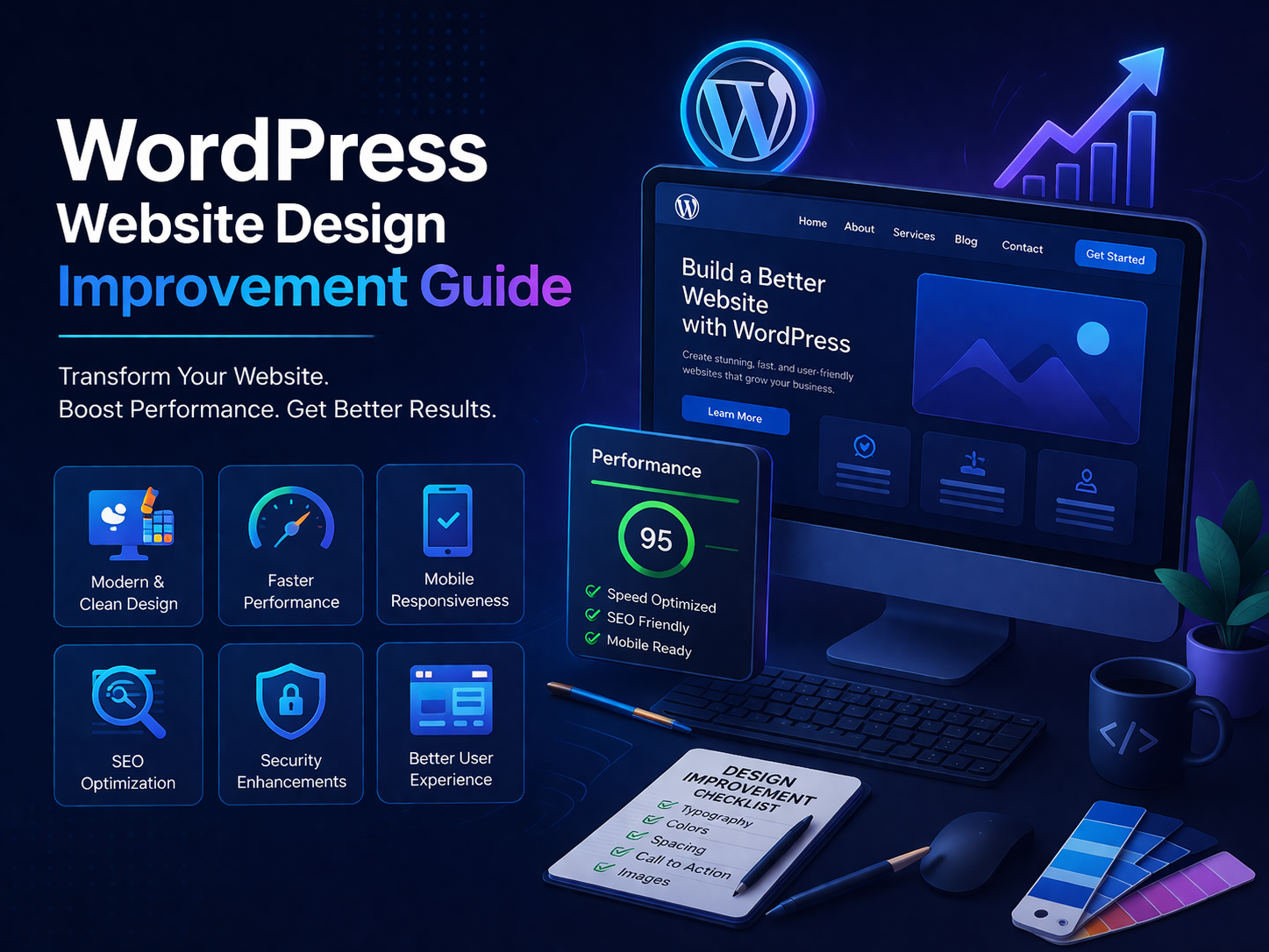
How to Improve WordPress Website Design (Step-by-Step Guide)
In today’s competitive online world, having a website is not enough. Your website
design must be modern, fast, user-friendly, and optimized for search engines.
If your website is poorly designed, slow, or confusing, visitors will leave
instantly — and your rankings will drop.
In this complete guide, you will learn how to improve your WordPress website design
for better SEO, speed, and conversions.
Why Website Design Matters for SEO
Many people think SEO is only about keywords — but that’s not true. Your website
design directly impacts your performance.
- User Experience (UX)
- Bounce Rate
- Time on Site
- Conversion Rate
- Google Ranking
Google prefers websites that:
- Load fast
- Are mobile-friendly
- Have clear structure
1. Use a Clean and Modern Layout
A clean design builds trust and keeps users engaged.
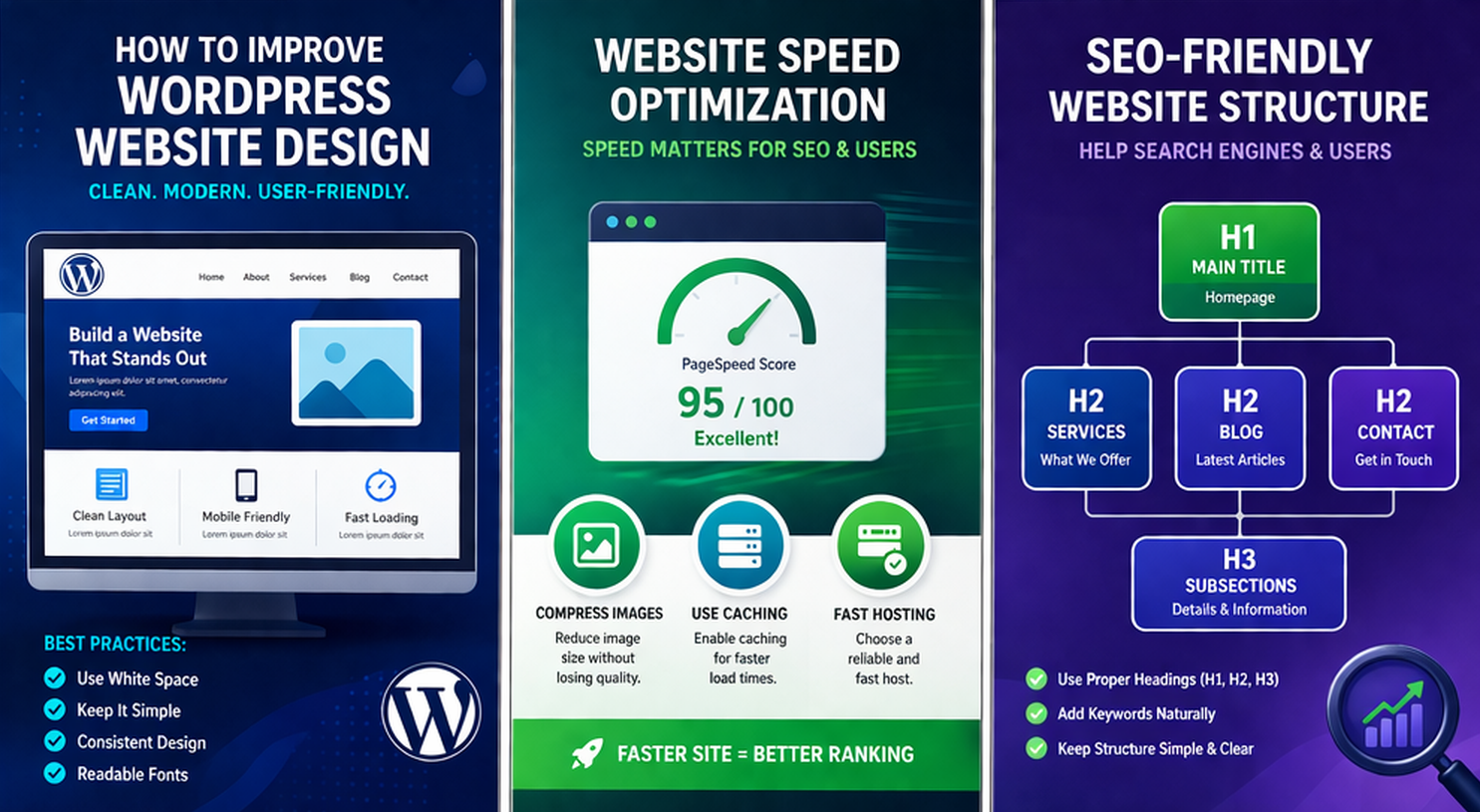
Best Practices:
- Use white space properly
- Avoid clutter
- Use readable fonts
- Maintain consistency
A simple design always performs better than a complex one.
2. Mobile Optimization is Mandatory
More than 80% of traffic comes from mobile devices.
If your website is not mobile-friendly:
- You lose visitors
- You lose ranking
Tips:
- Use responsive themes
- Optimize font sizes
- Keep buttons large and clickable
3. Improve Website Speed (Very Important)
Website speed is one of the biggest ranking factors.
Why Speed Matters:
- Faster sites rank higher
- Users stay longer
- Better conversions
How to Improve Speed
- ✔ Compress Images
- ✔ Use caching plugins (WP Rocket, LiteSpeed Cache)
- ✔ Use fast hosting
4. Use SEO-Friendly Structure
Your website structure should be easy for both users and search engines.
- H1 → Main title
- H2 → Sections
- H3 → Subsections
Example:
- Home
- Services
- Blog
- Contact
Use keywords naturally in headings.
5. Keyword Optimization Strategy
Keyword placement is critical for SEO success.
- Title
- H1
- First 100 words
- H2 headings
- Meta description
Avoid keyword stuffing.
6. Use High-Quality Images & UI Elements
Visual design improves engagement and user experience.
- Use HD images
- Add icons
- Keep consistent colors
- Add ALT text for SEO
7. Add Strong Call-To-Actions (CTA)
CTA tells users what to do next.
- Get a Quote
- Book a Call
- Contact Now
Place CTA:
- Top section
- Middle
- End
8. Use Elementor for Professional Design
If you want easy design without coding, Elementor is the best solution.
- Drag & drop builder
- Fast design
- Professional layouts
9. Add High-Quality Blog Content
Blogging is the backbone of SEO.
- Drives organic traffic
- Builds authority
- Improves ranking
Post regularly (2–3 times per week).
10. Internal Linking Strategy
Internal linking improves SEO and user experience.
- Blog → Services
- Services → Contact
- Blog → Blog
11. Use External Tools for Optimization
- Google PageSpeed Insights
- GTmetrix
Common Website Design Mistakes
- Too many colors
- Slow loading speed
- No mobile optimization
- Poor navigation
- No CTA
Advanced Tips to Boost Ranking
- Use Schema Markup
- Optimize Images
- Improve Core Web Vitals
Conversion Optimization Tips
- Add testimonials
- Show trust badges
- Use clear CTA
- Offer free consultation
Frequently Asked Questions
How can I improve my WordPress website design?
Use a clean layout, optimize speed, and improve mobile responsiveness.
Is Elementor good for beginners?
Yes, it is one of the easiest tools for website design.
How important is website speed for SEO?
Very important. Faster websites rank higher on Google.
How often should I update my website?
Update your website regularly with fresh content.
Conclusion
Improving your WordPress website design is one of the best investments you can make.
- Clean design
- Fast speed
- SEO optimization
Follow these strategies and you will see long-term growth in traffic and
conversions.